Two brew journals.
One coffee habit.
Same beans, same recipe — and the cup still tastes different every morning. Dial In helps you figure out why. Log every shot and every pour, save the recipes that work, and a great cup becomes repeatable, not an accident.


Lifestyle
Dial In Espresso
Simple app to track your beans and shots. Log, experiment, and refine to consistently brew your best cup.
Key Features
Shot Extraction Logging
Record dose in, yield out, shot time, grind size, grinder setting, and temperature for every espresso pull.
Bean & Roast Tracking
Track roaster, origin, process, varietal, roast date, and degas days to dial in each bag at peak flavor.
Instant Brew Ratio
Automatic calculation of dose-to-yield brew ratio (e.g. 1:2.0, 1:2.5) to keep your extractions dialed and consistent.
Equipment Management
Link grinders, portafilters, and espresso machines with individual shots for full recipe repeatability.
Designed For
Lifestyle
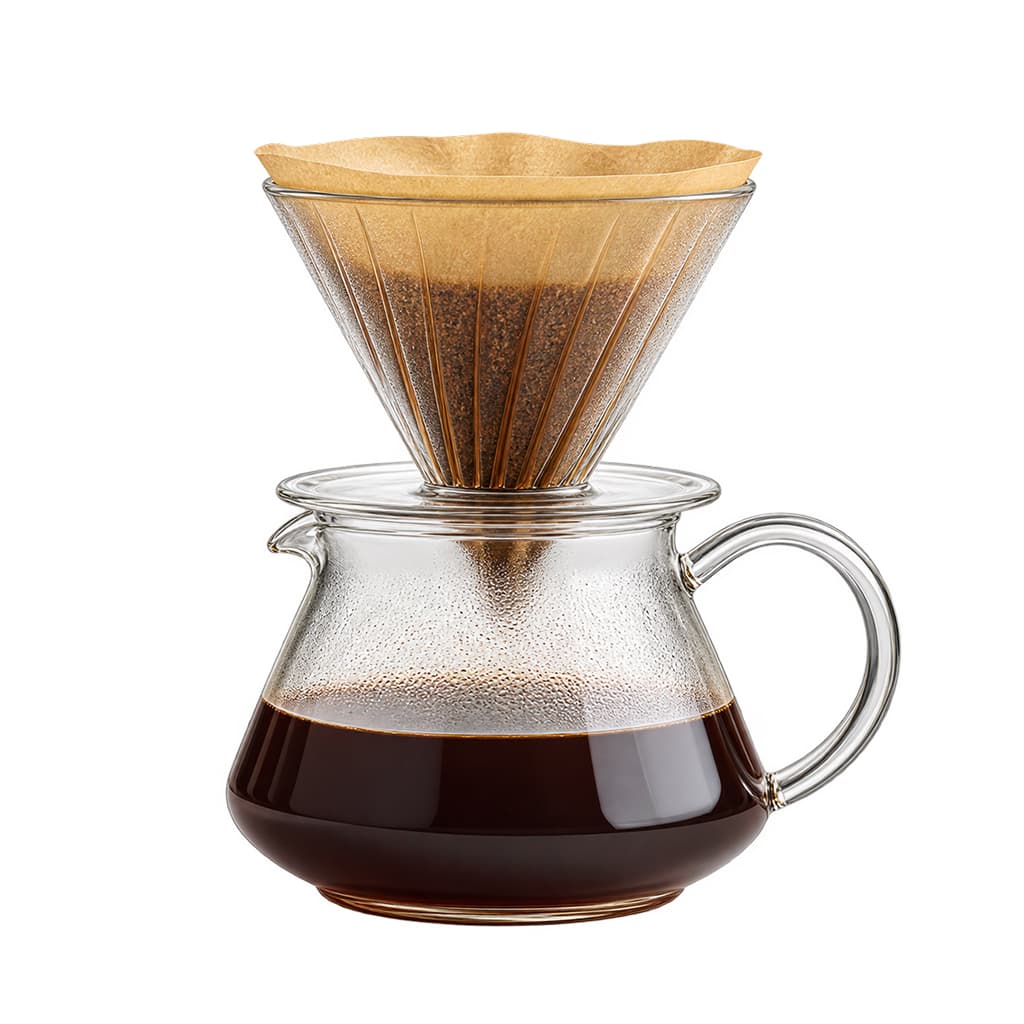
Dial In Pourovers
Simple journal and recipe companion to track your beans, equipment, recipes, and pour-over brews. Log, experiment, and refine to consistently brew your best cup.
Key Features
Multi-Stage Pour Schedules
Plan and log multi-pour recipes with bloom times, pulse pours, spiral pours, and target cumulative water weights.
Recipe Blueprints & 1-Tap Prefill
Save reusable brew templates (e.g. 4:6 Method, Hoffman V60) and prefill new brews with a single tap.
AI Bean Autofill
Paste a coffee bean web link to instantly autofill roaster, origin, process, altitude, and tasting notes with AI.
Equipment & Dripper Tracking
Log specific drippers (V60, Kalita Wave, Origami, Chemex) and grinders with every pour-over brew.
Designed For
Why I built these
I built Dial In Espresso for my husband, whose shots kept changing from morning to morning — with nothing written down, we could never say why. The journal fixed that: when a shot is great, he can pull it again.
Pour-over drinkers asked for the same thing. After years of traveling to coffee farms and specialty cafés — Colombia, Spain, Japan, and China — Dial In Pourovers followed. Two apps, one idea: your best cup shouldn't be an accident.
Frequently Asked Questions
Dial In Espresso
What variables can I track with Dial In Espresso?
You can track dose (in grams), liquid yield (in grams), brew time, grind size number/setting, grinder model, bean roast date, water temperature, tasting notes, and overall cup rating.
Dial In Espresso
Does it calculate extraction ratio automatically?
Yes. Simply input your dose and yield, and the app instantly calculates your precise espresso brew ratio in real time.
Dial In Pourovers
Can I create multi-stage pour recipes?
Yes! Dial In Pourovers lets you customize multi-stage schedules including bloom, spiral pours, pulse pours, and target weights.
Dial In Pourovers
How does the AI Bean Autofill work?
Simply copy and paste the product link from your roaster's website. The app automatically extracts the origin, process, roast level, altitude, and tasting notes.
Follow the brews
Daily coffee, real brew notes, and what we learn from them — as @dialinapps.
Questions or bean recommendations: dialin@ujiapps.com